
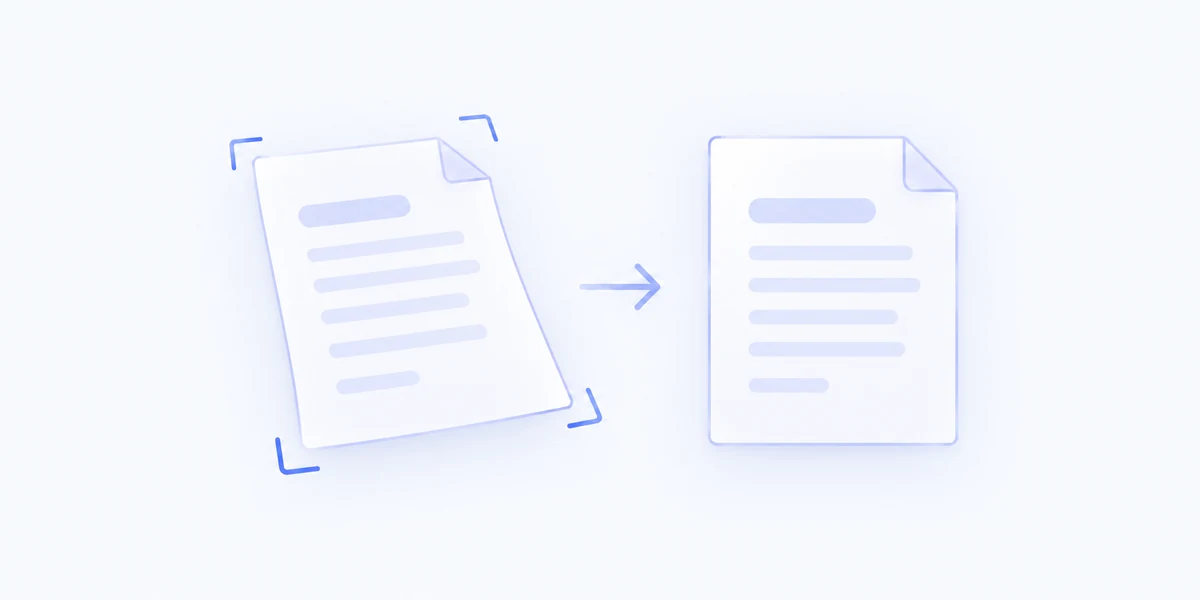
Correct more than the angle
Local document processing addresses page perspective and curvature, rather than only rotating the whole image.
Correct perspective and page curvature in document photos, then save a straightened copy with the look you choose.
Included with MenuSmith Pro · macOS 14 or later
From a quick photo to a clearer page
A page photographed at an angle or curved near a book’s spine can be awkward to use. Straighten Document helps flatten that view into a more readable image.
Local document processing addresses page perspective and curvature, rather than only rotating the whole image.
Enable review to adjust page boundaries and control points, zoom in, rotate, and undo adjustments before saving.
Use Auto, Color, or Grayscale enhancement to suit the document. The result is a new image copy, keeping the original photo available.
Keep a direct Action for everyday pages or a review-first Action when boundaries need attention. Processing happens on your Mac after the required model is available.
Straighten pages without leaving your Finder workflow.