
Pick the format for the destination
Choose PNG, WebP, JPEG, HEIC, or TIFF. Transparency is preserved where supported; JPEG uses a white background.
Render SVG files as PNG, WebP, JPEG, HEIC, or TIFF at the dimensions you need for a website, presentation, or handover.
Included with MenuSmith · macOS 14 or later
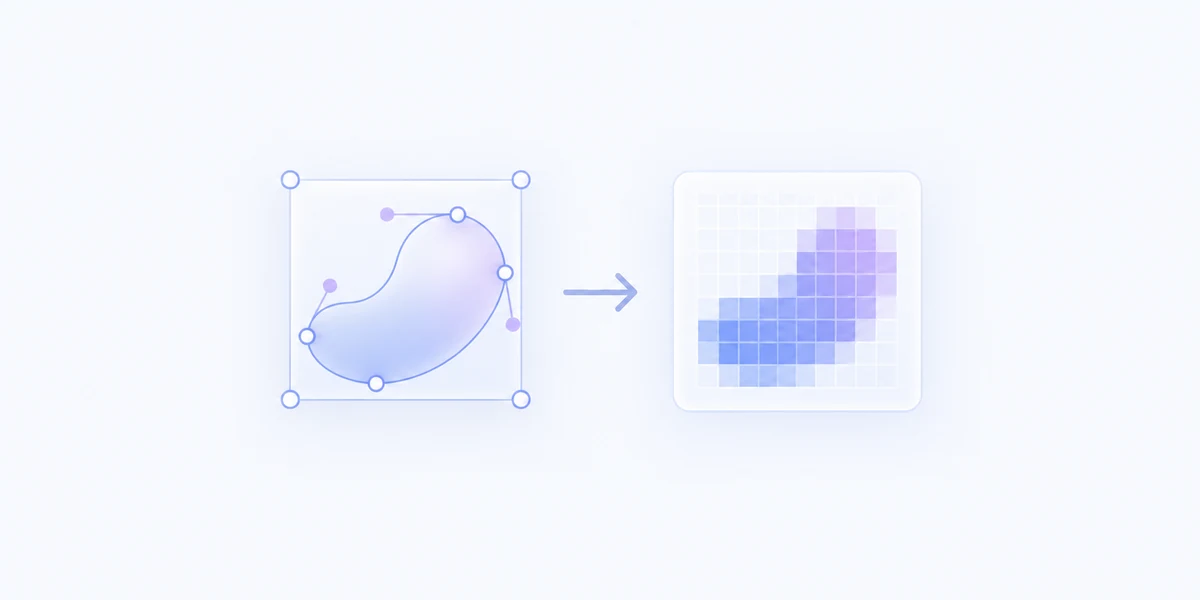
From vector artwork to usable images
When a destination needs pixels instead of an SVG, create a raster copy without opening a design app just to export it.
Choose PNG, WebP, JPEG, HEIC, or TIFF. Transparency is preserved where supported; JPEG uses a white background.
Make 2× or 3× copies, choose a custom scale, or set width and height for a specific output size.
Render multiple SVGs in one run. The source artwork stays in place and each result is saved as a new image.
Create separate Actions for common formats and sizes. Keep proportions for a faithful shape, or choose exact dimensions when that is what the destination calls for.
Create raster copies straight from Finder.