
Work from a visual page preview
Inspect the source document while assigning pages to parts. You can see what belongs together rather than relying only on page numbers.
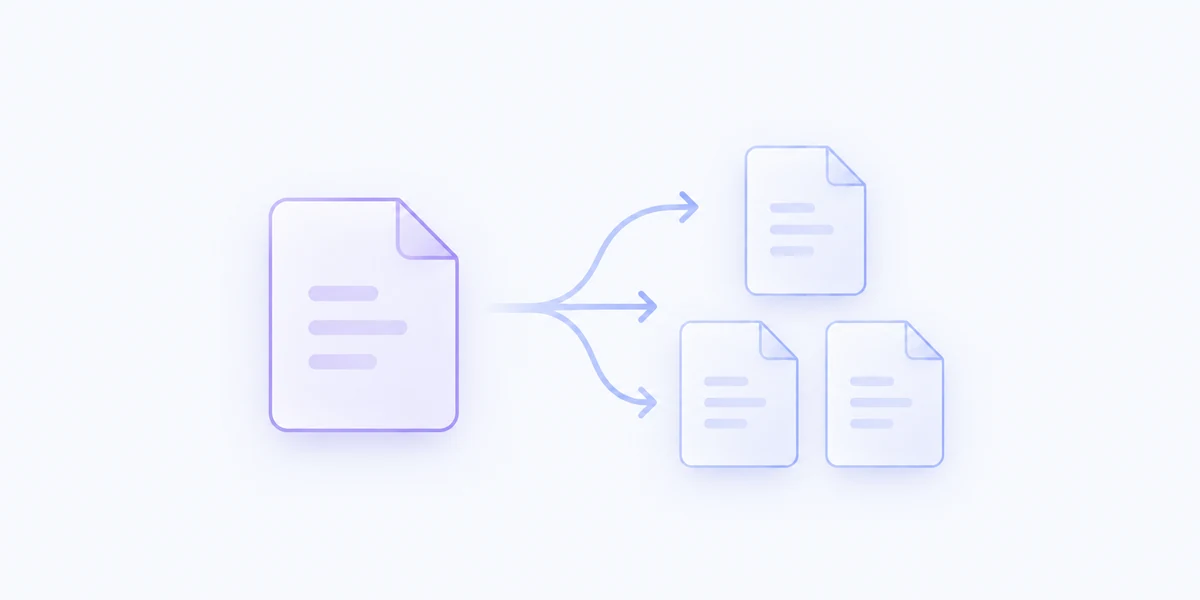
Divide one PDF into separate documents with a visual page preview, clear page assignments, and a name for each part.
Included with MenuSmith Pro · macOS 14 or later
The right pages, together
A long scan or combined packet often contains several things you want to use separately. See the pages while deciding how they should be grouped.
Inspect the source document while assigning pages to parts. You can see what belongs together rather than relying only on page numbers.
Give the separate PDFs meaningful names before saving, so an invoice, appendix, or client packet is easy to recognize later.
Create separate PDF files beside the source. The original document remains unchanged, and existing output names are handled without overwriting.
This Action opens its page review at run time. Create at least two parts and choose the pages for each; MenuSmith warns you about pages left unassigned.
Split a PDF into documents that make sense.