
Merge without the extra steps
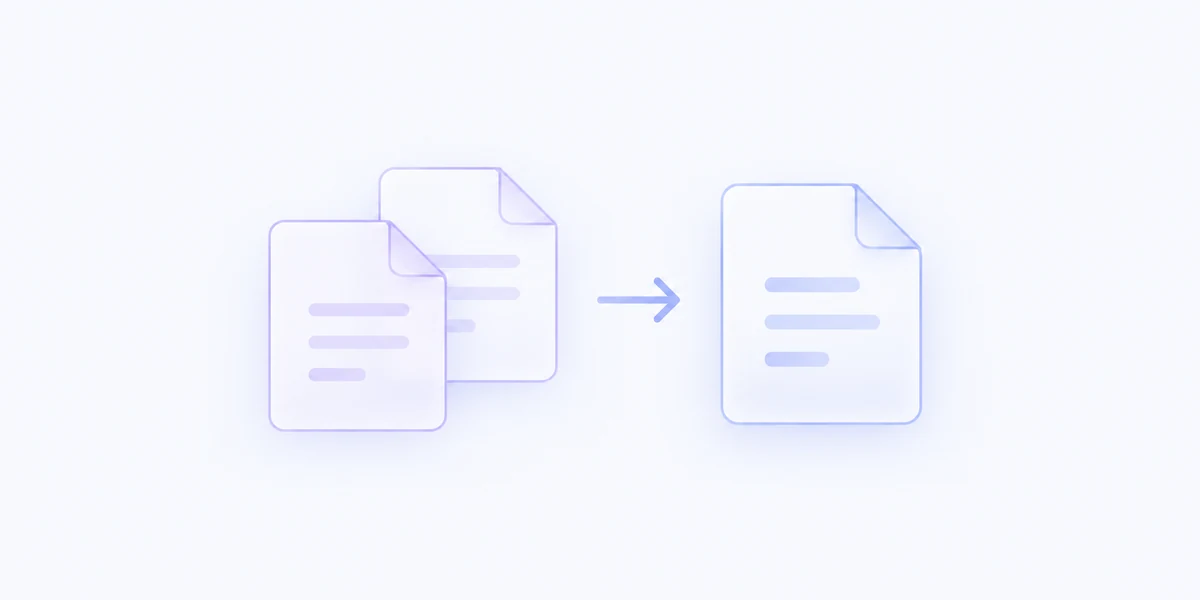
Use the direct merge to combine PDFs in the selection order Finder provides. The original documents stay where they are.
Combine selected PDFs into one document, with a quick merge for everyday work and a visual review when page order needs attention.
Included with MenuSmith · macOS 14 or later
One document, ready to share
Put a proposal, supporting pages, and reference material into a single PDF without rebuilding them in a document editor.
Use the direct merge to combine PDFs in the selection order Finder provides. The original documents stay where they are.
Use the review version to reorder documents and choose which pages from each belong in the merged file.
Save a new combined PDF beside the originals. Existing files are not overwritten if a name is already taken.
Keep a direct merge and a review-first Action in your menu. Turn on a timestamp if it helps you distinguish new combined versions.
Merge PDFs where they already live.