
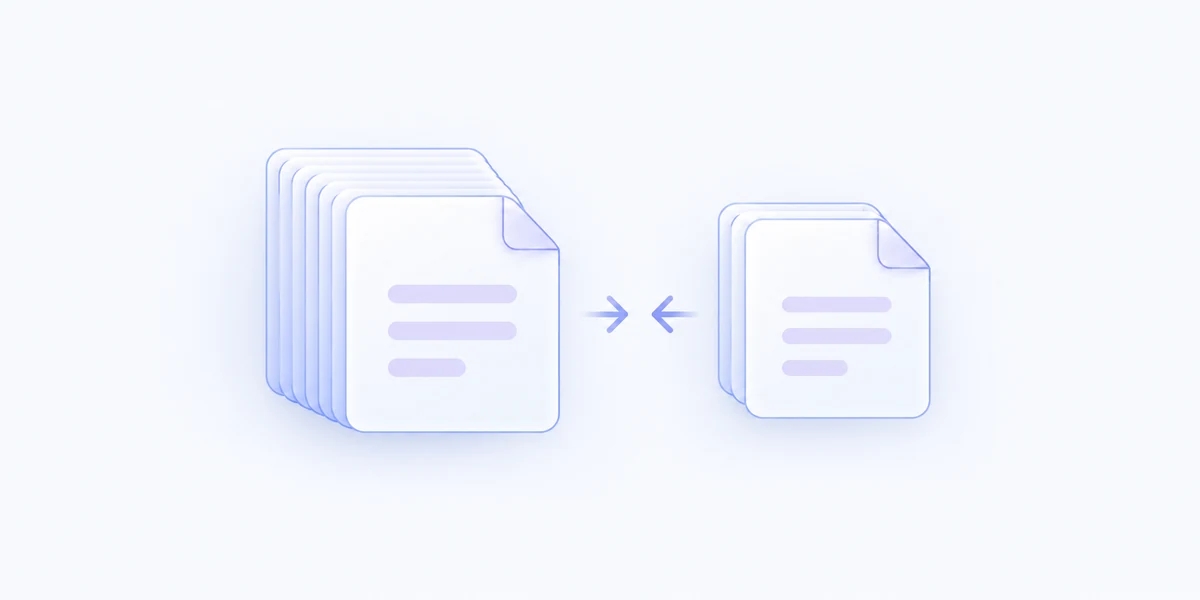
Let Auto assess the document
Use automatic reduction to evaluate the PDF and look for worthwhile savings, rather than applying the same image settings to every file.
Create a smaller PDF with automatic optimization or a quality setting you choose, while keeping the original ready for anything.
Included with MenuSmith Pro · macOS 14 or later
Less weight to send and store
Image-heavy PDFs can be cumbersome to email or collect. Reduce PDF Size works on a new copy so you can keep the source and use a lighter version.
Use automatic reduction to evaluate the PDF and look for worthwhile savings, rather than applying the same image settings to every file.
Prefer High Quality or Smallest File, or ask each time to adjust the reduction and inspect the resulting size before saving.
The original stays unchanged. If a valid result is not smaller, MenuSmith does not create an unnecessary extra copy.
Use Auto for everyday PDFs or keep a separate Action for a preferred quality level. Ask Each Time gives you a review for documents that deserve a closer look.
Reduce file size without replacing the original.