
Give a regular destination its own command
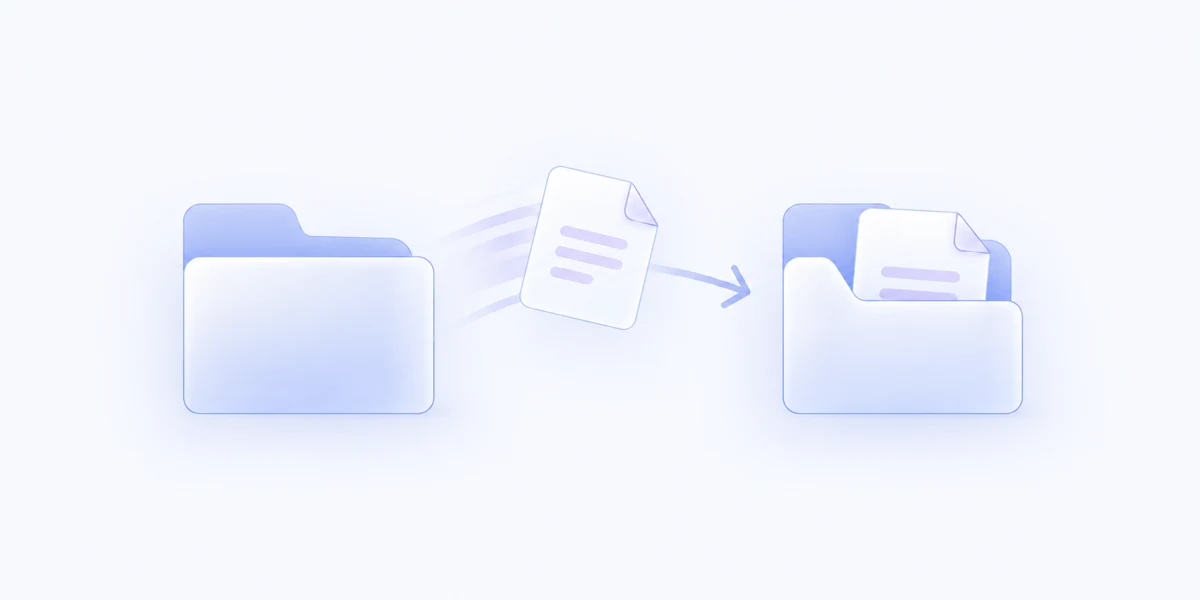
Save a folder for an Action you use often. Move selected items there without choosing the same location again.
Move selected files and folders to a saved destination, a location you choose, or a folder you recently used in MenuSmith.
Included with MenuSmith · macOS 14 or later
Less window juggling
Finish a download, file a delivery, or clear a working folder without keeping another Finder window open just for the drop.
Save a folder for an Action you use often. Move selected items there without choosing the same location again.
Ask for a folder each time, or choose from destinations recently used through MenuSmith. Smart labels make matching folder names easy to tell apart, or you can show full paths for every recent destination.
Name conflicts get distinct names instead of overwriting. Items already at the destination are skipped.
Use separate Actions for common destinations, plus an ask-each-time version when the job changes. Choose how many recent destinations appear. Keep recent folder labels short with Smart, or choose Full Path to see every destination’s complete path.
Move files to your everyday destinations from Finder.