
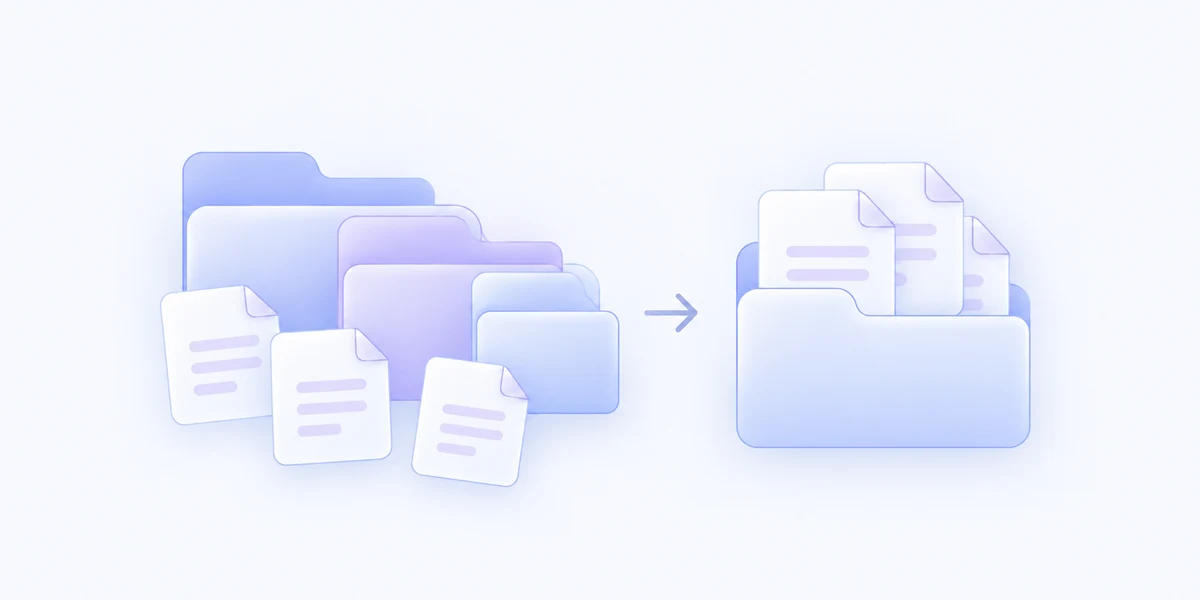
Flatten Folder

Pro

Bring a folder’s scattered files together.

Move files out of nested folders into one place, with control over identical copies and an optional review before anything changes.

Coming Soon

Included with MenuSmith Pro · macOS 14 or later

From layers to one useful folder

Get the files out of the maze.

An extracted archive or a deeply nested delivery can be easier to work with as one collection. Flatten Folder gathers its files at the top level.

Collect files from nested folders

Move regular files into the selected folder and remove subfolders that become empty. The result is a simpler place to browse and organize.

Choose what happens to identical copies

Keep the closest, newest, or oldest identical copy, or preserve copies with distinct names. Files with different contents get separate names when needed.

Choose when to pause before changes

Inspect the full plan with Review Before Flattening, or keep a confirmation for runs that exceed your chosen file-change threshold.

One folder, with rules you choose.

Use your saved duplicate policy with confirmation for larger changes, or review the full plan before continuing. Choose the file count that should prompt an extra pause when Review is off.

  • Gather nested files at the top level
  • Handle name conflicts without overwriting
  • Optional review of moves and removals
  • Configurable confirmation for larger changes
Starter configurations, customization & availability
Starter configurations
Flatten FolderFlatten Folder (Review)
Each starter becomes an independent Action that you can customize.
In the Inspector
Duplicate Handling
Keep the closest, newest, or oldest identical copy, or preserve copies with different names.
Review Before Flattening
Review planned moves and duplicate removals before continuing. Confirmation settings are hidden while Review is on, and no additional confirmation appears.
Confirm Bulk Flatten
When Review Before Flattening is off, ask for confirmation above your chosen file-change threshold. Enabled by default in the Flatten Folder starter; you can turn it off.
Threshold
Default: 10 files, so confirmation appears at 11 or more. Counts files to move or remove as duplicates, excluding unchanged files and folders. Set a value from 1 to 10,000 when Review is off and Confirm Bulk Flatten is on.
Available for
One selected folder or empty space inside that folder. Folder access is required.
Good to know

Flattening changes the existing folder. Depending on Duplicate Handling, identical extra files are deleted, rather than moved to Trash. Packages, symbolic links, and inaccessible items are left in place.

The confirmation shows the number of files to move and duplicate copies to permanently remove. Cancel stops before any files change. Your confirmation switch and threshold are preserved when you turn Review on.

Bring your files into one view.

Flatten nested folders with explicit duplicate handling.

Coming Soon

Action Preview