
Keep a destination close at hand
Give an export, handover, or collection folder its own menu Action so you can send copies there quickly.
Copy selected files and folders to a saved destination, a location you choose, or a recently used MenuSmith folder.
Included with MenuSmith · macOS 14 or later
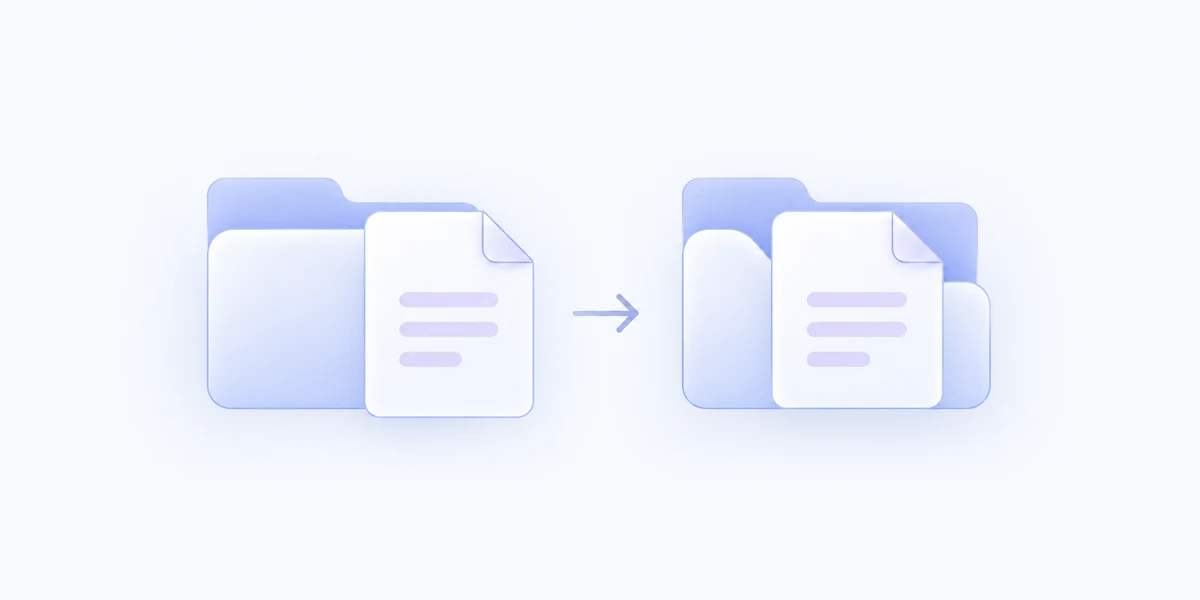
A copy where you need it
Prepare a handover or collect project material in another folder while keeping the source collection exactly where you use it.
Give an export, handover, or collection folder its own menu Action so you can send copies there quickly.
Ask for a destination at run time or pick from locations recently used through MenuSmith. Smart labels make matching folder names easy to tell apart, or you can show full paths for every recent destination.
Copies receive distinct names if needed. Existing destination files are not replaced, and your source items remain in place.
Create dedicated Actions for frequent destinations and keep a flexible version for everything else. Use a completion sound if it helps you follow a batch. Keep recent folder labels short with Smart, or choose Full Path to see every destination’s complete path.
Copy files to another folder directly from Finder.