
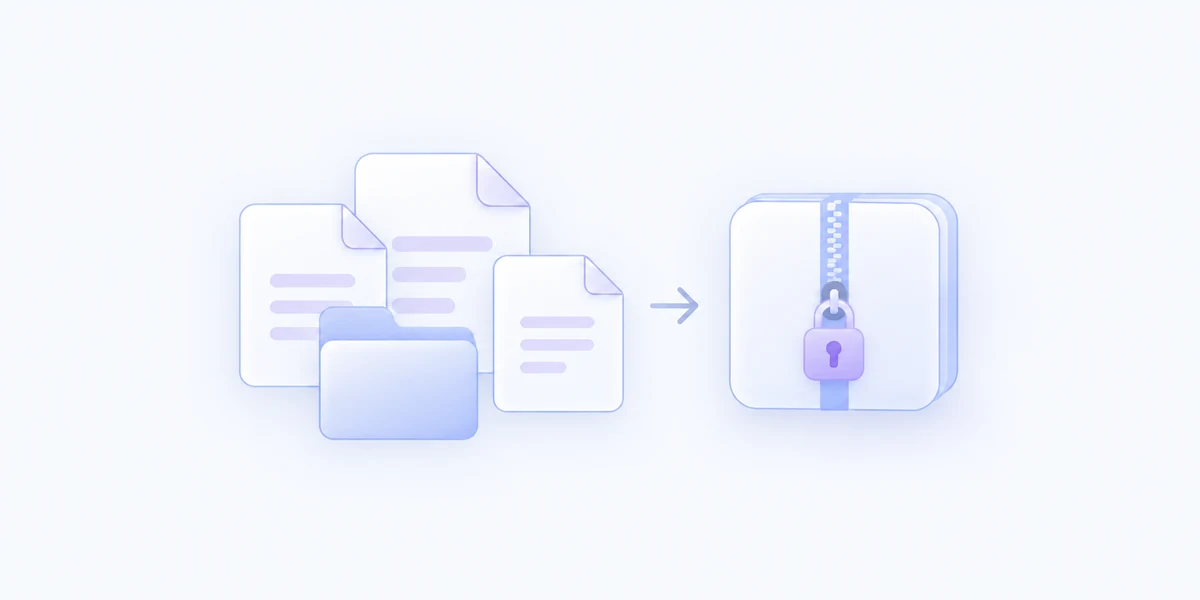
Protect the archive contents
Use WinZip AES-256 encryption in a ZIP file. Recipients need the password and an extractor that supports this encryption format.
Create an AES-256 encrypted ZIP from selected files and folders, with a password you enter for that archive.
Included with MenuSmith Pro · macOS 14 or later
An archive with an extra layer
When a collection needs password protection, create its archive right beside the source files without uploading them to a compression service.
Use WinZip AES-256 encryption in a ZIP file. Recipients need the password and an extractor that supports this encryption format.
Compress a single file, a folder, or several items from the same folder. The source items remain in place.
Enter and confirm the password at run time, or reveal it to check it directly. MenuSmith does not save it with the Action.
There are no Action-specific Inspector settings. Each run asks for a password and creates a new ZIP beside the selected items, with a distinct name if needed.
Add password-protected ZIP creation to Finder.